Classic Digital Birthday Invitation: Your Quick-Start Guide
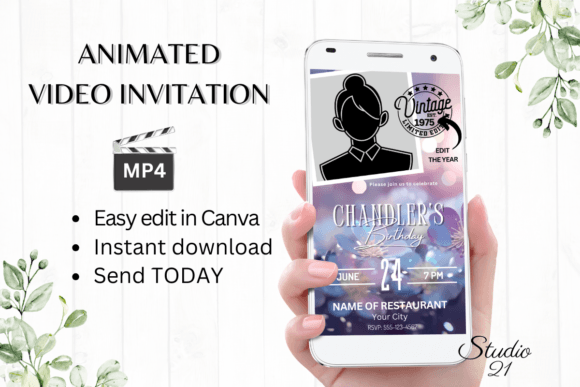
There’s a unique pressure that comes with planning a birthday party. Between the venue, the guest list, and the food, the invitation can sometimes feel like just another box to check. But what if it could be one of the simplest, most enjoyable parts? That’s the core promise of the Classic Digital Birthday Invitation. It’s not just a static image or a simple text message. It’s a dynamic, animated video template designed for speed, ease, and a touch of modern elegance.
Forget the old days of waiting for a designer to send proofs, wrestling with complex software, or paying for expensive print runs that end up in the recycling bin. This solution is built for the way we communicate now. It’s a practical tool for anyone—from a busy parent to a small business owner planning a company celebration—who needs a polished result without the traditional headaches. The appeal lies in its blend of classic design sensibility with modern, frictionless technology. You get a professional-looking invitation that feels personal and intentional, and you can create it in the time it takes to brew a cup of coffee.
A Template Built for Real-World Speed
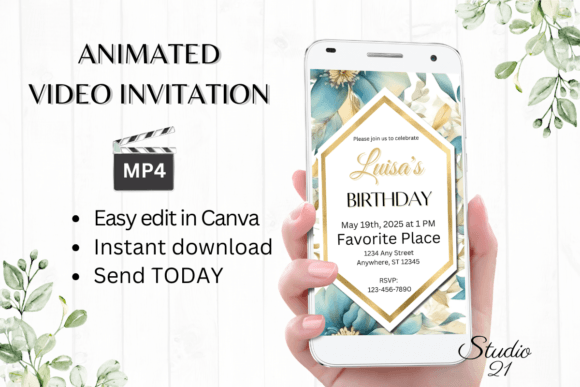
The strength of this invitation template is its radical simplicity. The entire process is designed to eliminate bottlenecks. Upon purchase, you don’t receive a confusing zip file filled with fonts and assets you have to install. Instead, you get a single PDF with a direct link to the template in Canva, the popular online design platform. This means immediate access. There’s no software to download, no fonts to hunt for, and no technical setup. You can start editing on your laptop or even make basic adjustments directly from your phone.
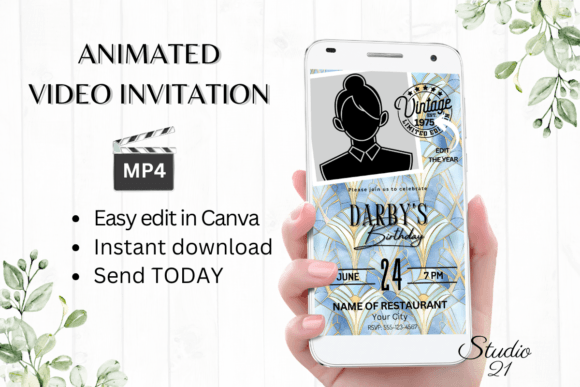
The editing experience is intuitive. Canva’s interface allows you to personalize every piece of text, change font styles, colors, and sizes to match your party’s theme or your brand’s palette. You can add or delete text blocks, shift elements around, and even experiment with different animation styles to find the perfect vibe. The visual style of the “Classic” template itself typically leans into clean lines, balanced compositions, and a timeless aesthetic—think elegant serif or sans-serif fonts, subtle animations, and a layout that guides the eye naturally. It’s a display font and layout combination that prioritizes clarity and celebration without being overly fussy.
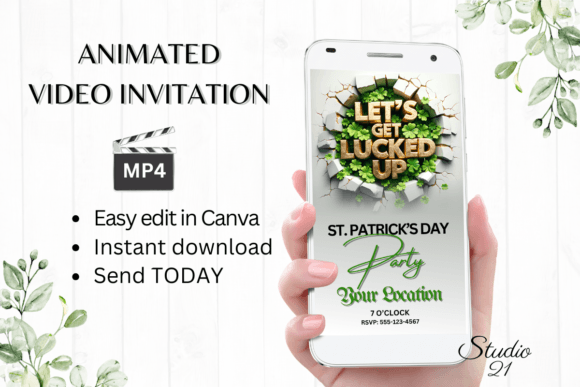
Once you’re happy with the design, the next step is just as seamless. You download your personalized creation as an MP4 video file. This is the magic key. A video file is universally shareable across the digital landscape where your guests actually live. You can text it, send it via Messenger, iMessage, or WhatsApp, or even upload it directly to a social media story. For a more formal approach, Canva also provides a shareable link, perfect for embedding in an email or a digital newsletter. This flexibility makes it a powerful tool for modern social media graphics and personal communication alike.
Where This Digital Invitation Truly Shines
While the primary use case is personal birthday parties, the applications extend much further. Its professional polish and quick turnaround make it valuable for a variety of scenarios where a celebration needs to be announced efficiently and stylishly.
For small business owners and entrepreneurs, it’s ideal for inviting clients or partners to a company milestone, product launch party, or holiday gathering. The animated format captures attention in a crowded inbox or social feed far better than a static image. Bloggers and content creators can use it to promote online events, workshops, or celebrate subscriber milestones with their community. Even marketers and publishers might find it useful for internal team celebrations or client appreciation events, adding a layer of fun and personality to professional correspondence.
The design itself, while classic, is a blank canvas. This is where your role as a designer or creative comes in. The template provides the structure and the animation, but you infuse the brand identity. By changing the colors and fonts, you can transform it from a child’s party invite into a sleek corporate event announcement. This adaptability is a huge advantage. It functions as a versatile design asset in your toolkit, much like a premium creative font. You’re not just buying an invitation; you’re buying a flexible communication framework that saves you hours of design and development time.
Making It Work for Your Project
Adopting any new design tool or template requires a bit of strategic thinking. Here’s how to get the most out of the Classic Digital Birthday Invitation.
First, consider your audience and context. The template’s clean, animated style is generally very versatile, but always test it mentally against your guest list. Is the animation appropriate? For a more formal or corporate event, you might choose a more subtle animation style within the template’s options. For a child’s party, you might lean into brighter colors and more playful text effects. The key is that the tool gives you these choices without requiring animation skills.
Next, think about font pairing and visual hierarchy. Even within a pre-designed template, you have control. If you change the headline font, pair it with a complementary body font that maintains readability. For example, a bold, modern sans serif font for the main details pairs well with a simple, clean sans-serif for the smaller text. Avoid using too many font styles; two is often enough to create interest without chaos. This attention to typographic detail elevates the final product from “template” to “custom design.”
Finally, leverage the format. The fact that it’s a video is your superpower. When sharing, add a personal message in the text accompanying the video file. “So excited to celebrate with you! Here are the details…” This personal touch, combined with the engaging animated invitation, creates a more memorable and effective communication than a standard email. It’s a perfect example of how modern web design and communication principles—engagement, clarity, and shareability—can be applied to everyday tasks.
In a world saturated with digital noise, the Classic Digital Birthday Invitation offers a quiet solution. It’s a practical, elegant, and incredibly efficient way to handle a common need. It respects your time, provides professional results, and leverages the platforms where your audience already spends their time. It’s a small tool that solves a real problem, and sometimes, that’s the most valuable design asset of all.